
Dart Scoreboard
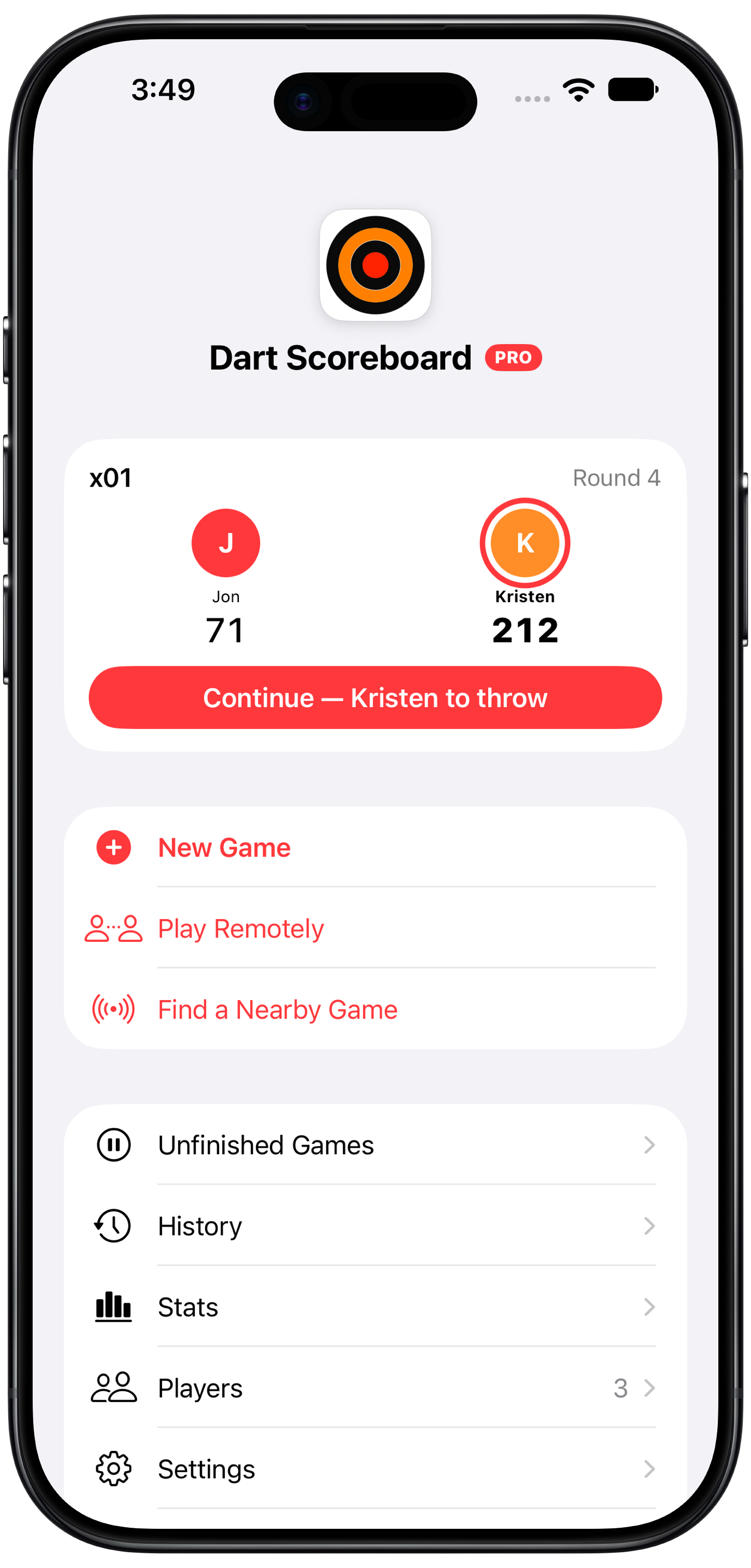
The fast, simple dart scoreboard for iPhone, iPad, Apple Watch and Apple TV. Cricket, 301 and 501, Shanghai and Tactics. Play together on everyone's own phone, or put the board on the big screen.


Made for the throw line
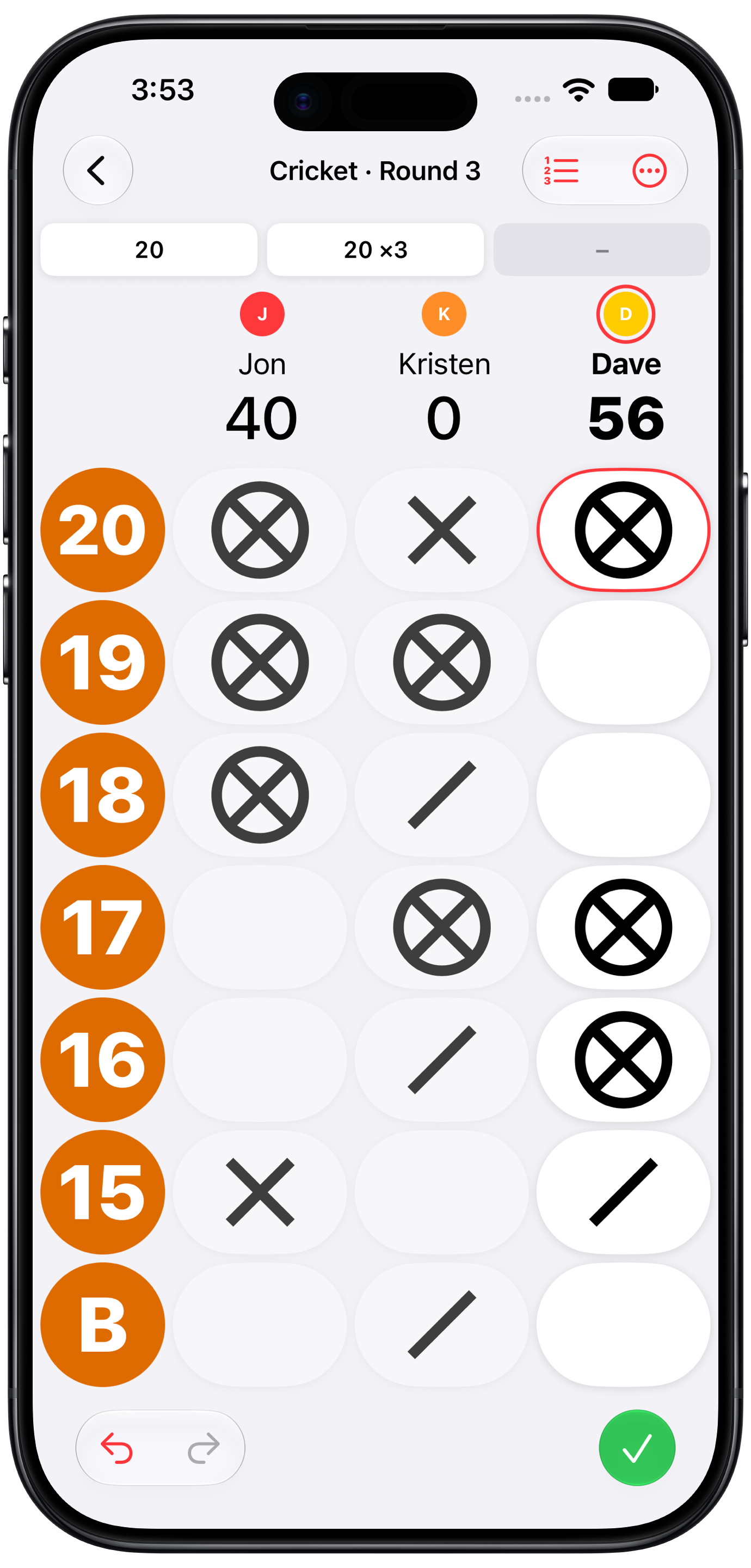
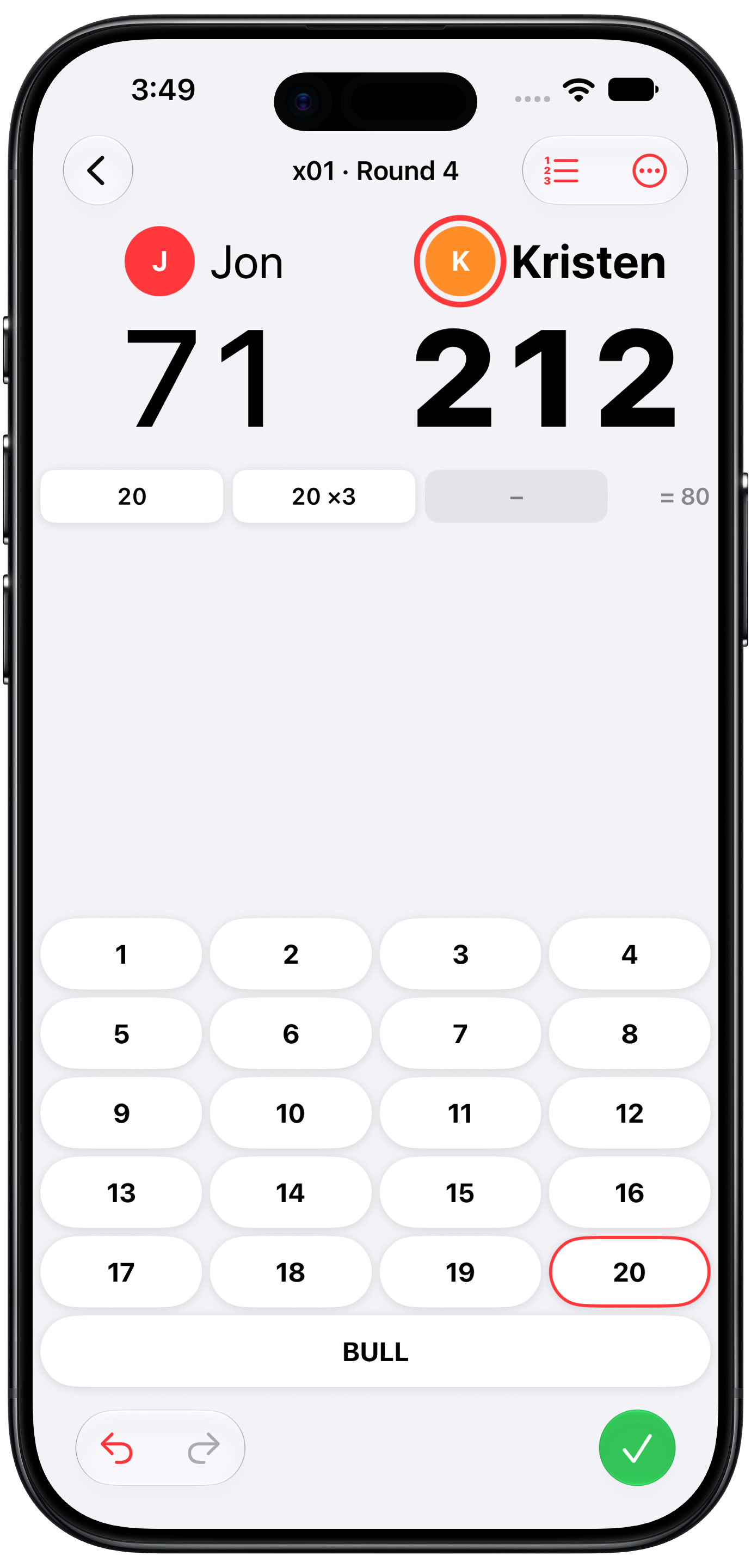
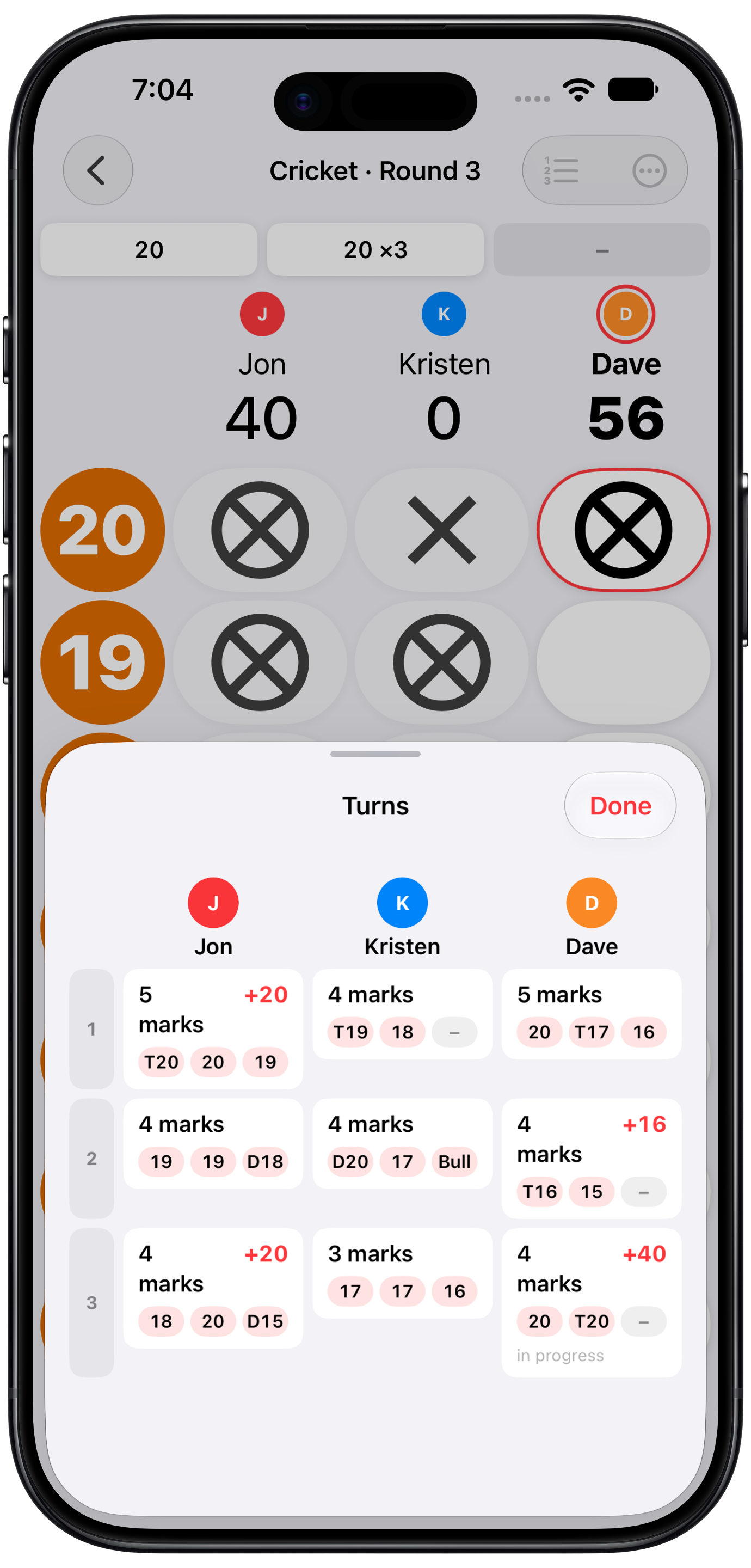
Big buttons, readable from a step back, built to score a real game at real speed.
Why players like it
No accounts, no tracking, no clutter. A scoreboard that keeps up with the game, and now one that everyone in the room can share.
Fast scoring
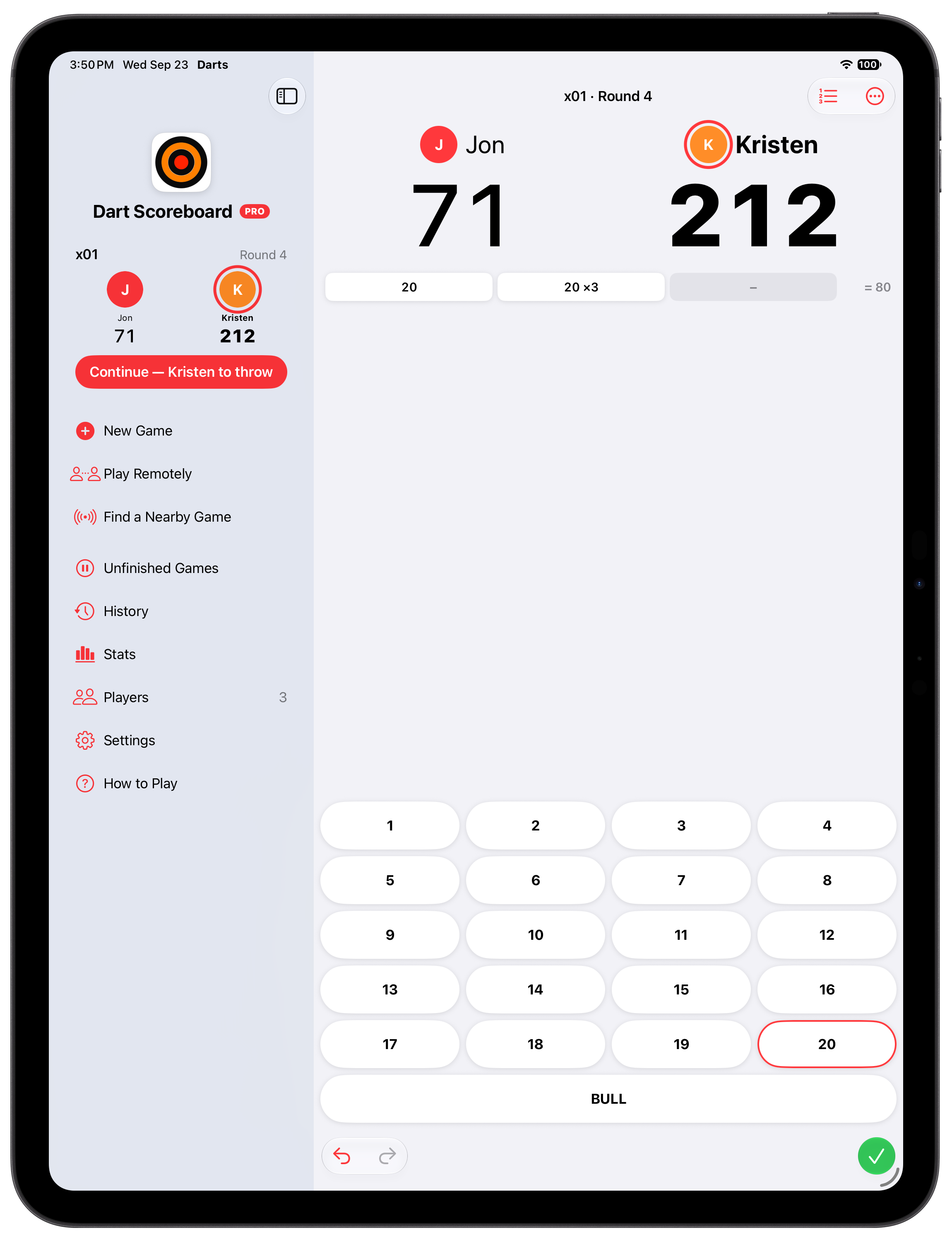
Tap a number for a single, hold for a double or triple, fix any dart with a tap. No menus between throws.
Play together
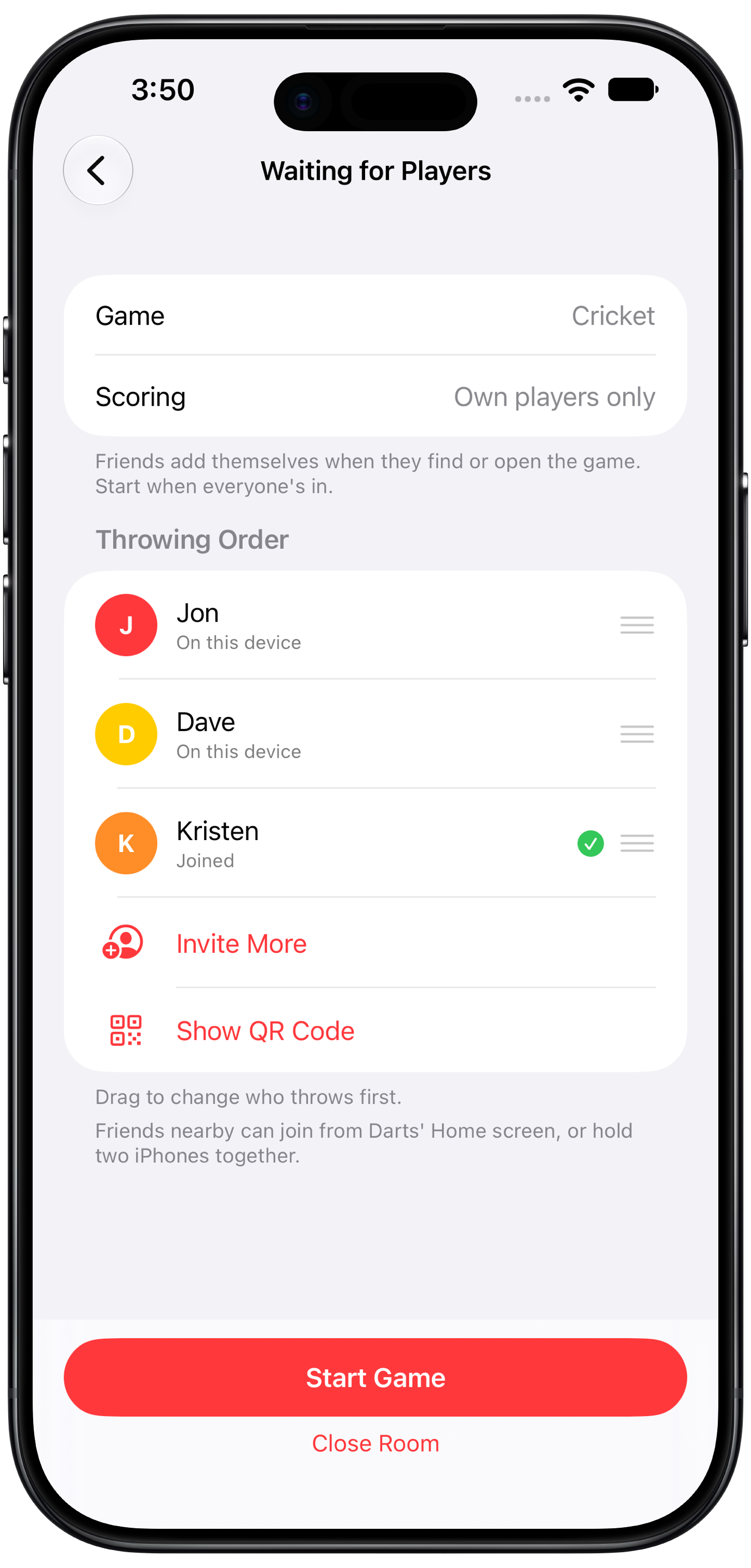
One game on everyone's own iPhone or iPad, in the same room or over several days. Friends find your game nearby, scan a code, or open an invitation.
On the big screen
Host a game on Apple TV and everyone joins with a four-digit code, or AirPlay the board from your phone. Readable from across the room.
On your wrist
Score from your Apple Watch, with your iPhone or without it. Start games, add players, and join a game on a TV with its code.
Everything a scoreboard should do
1 to 5 players
Player profiles with photos, turn order, and per-player marks. Practice alone or score the whole crew.
Every cricket variant
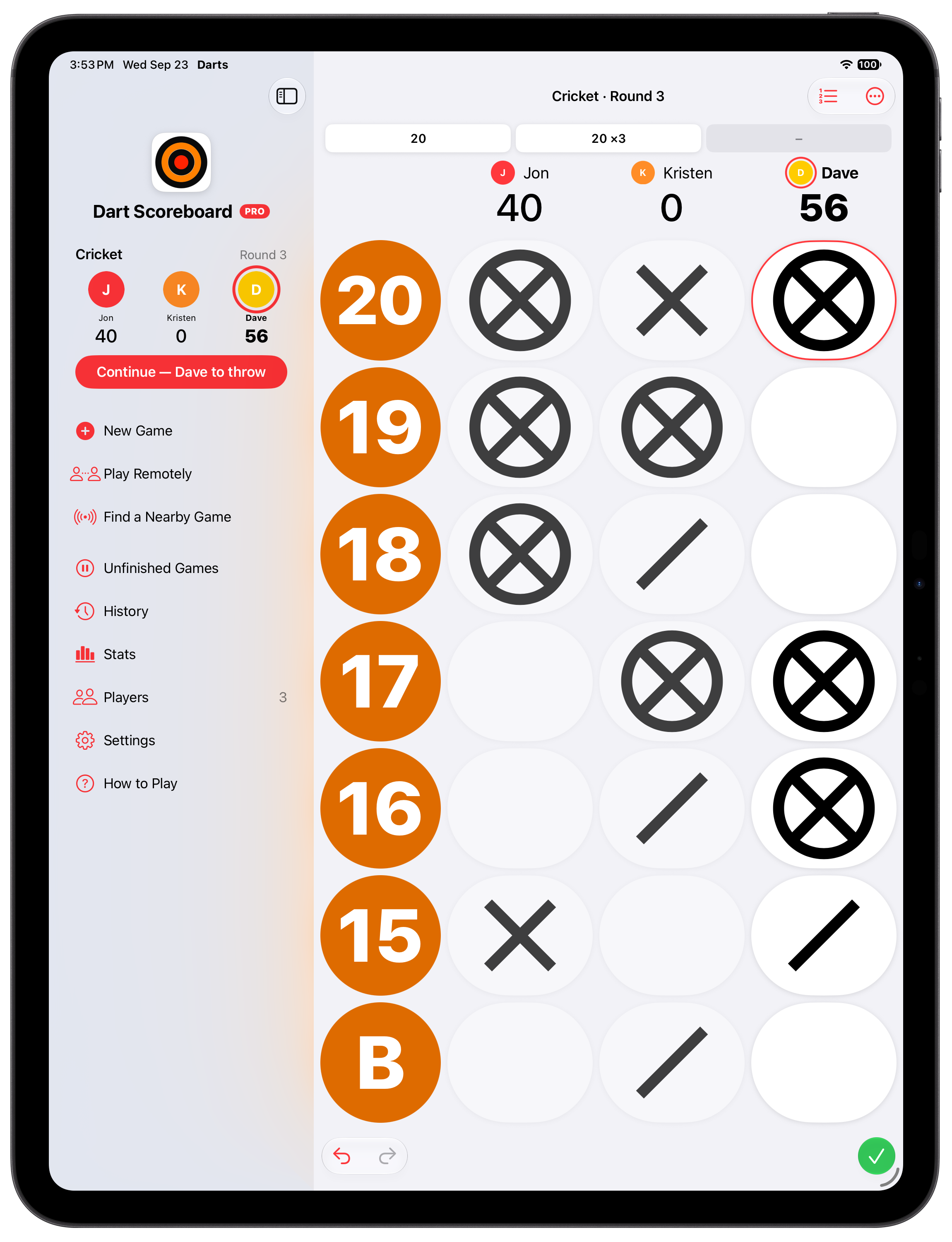
Standard, points, cut-throat, Wild Card Cricket with random numbers, and Tactics with doubles, triples and three in a bed. Marks drawn the way they are on a chalkboard.
301, 501 and more
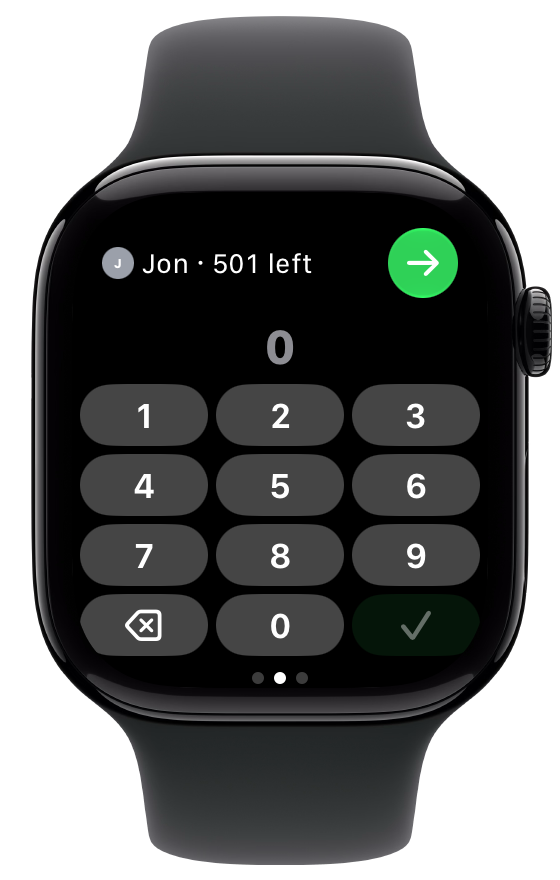
Double in, double out, and scoring by turn total for people who add up in their heads.
Computer opponent
Four skill levels from beginner to pro, for practice when nobody's around.
Remote play
One game on everyone's own device, through iCloud. Join from the nearby list, a QR code or an invitation.
Apple TV and big screen
Host a game on Apple TV with a four-digit code, or AirPlay the board from your phone.
Stats and history
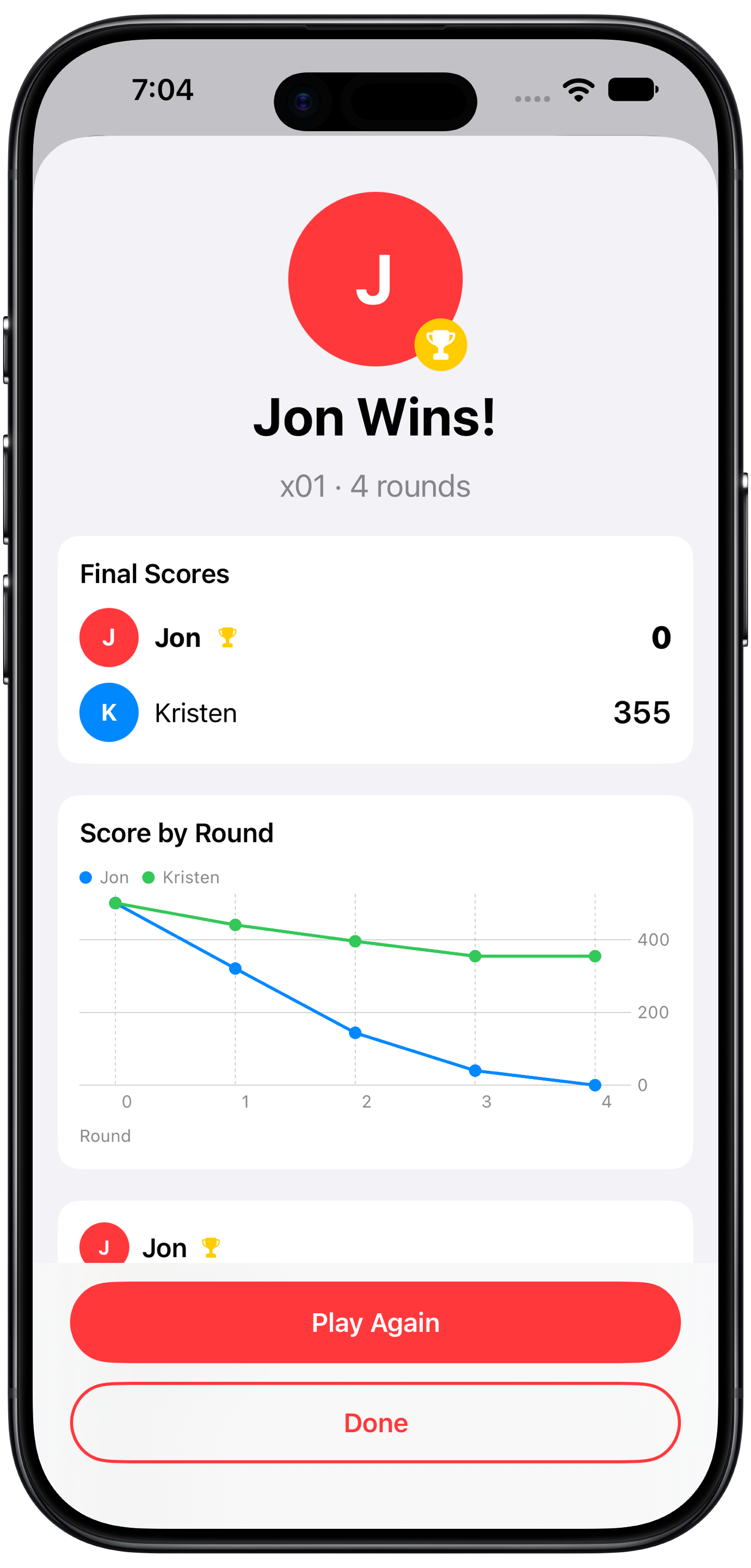
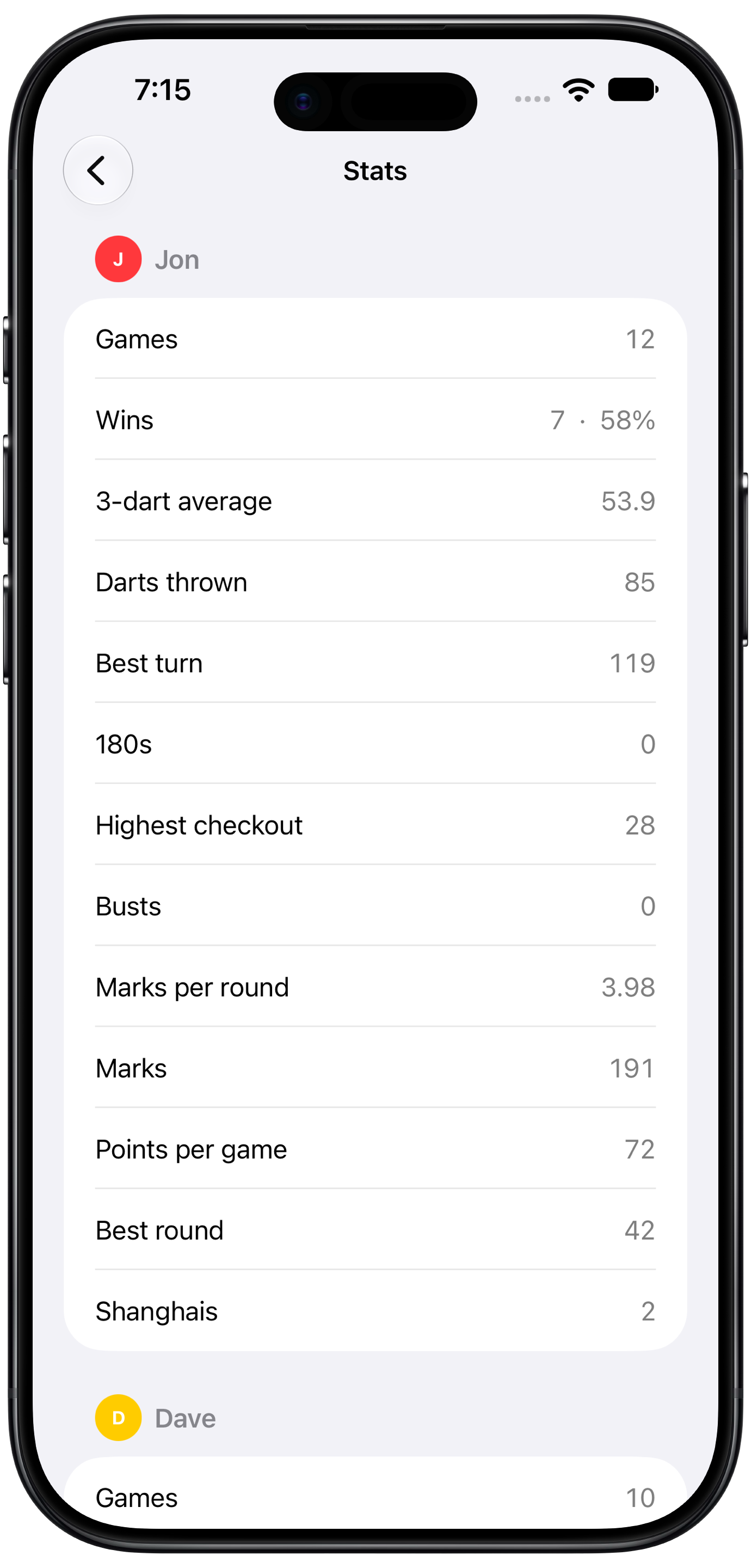
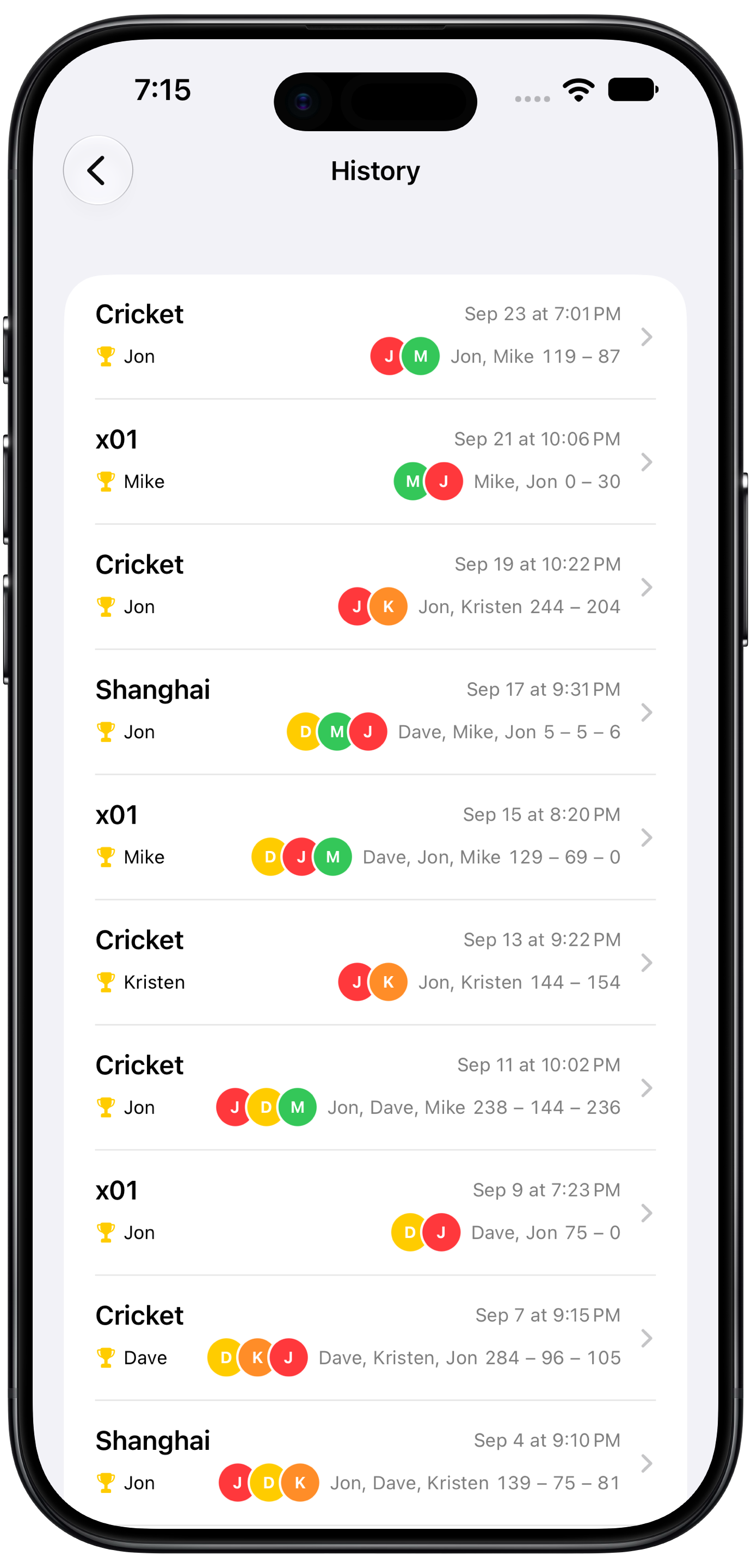
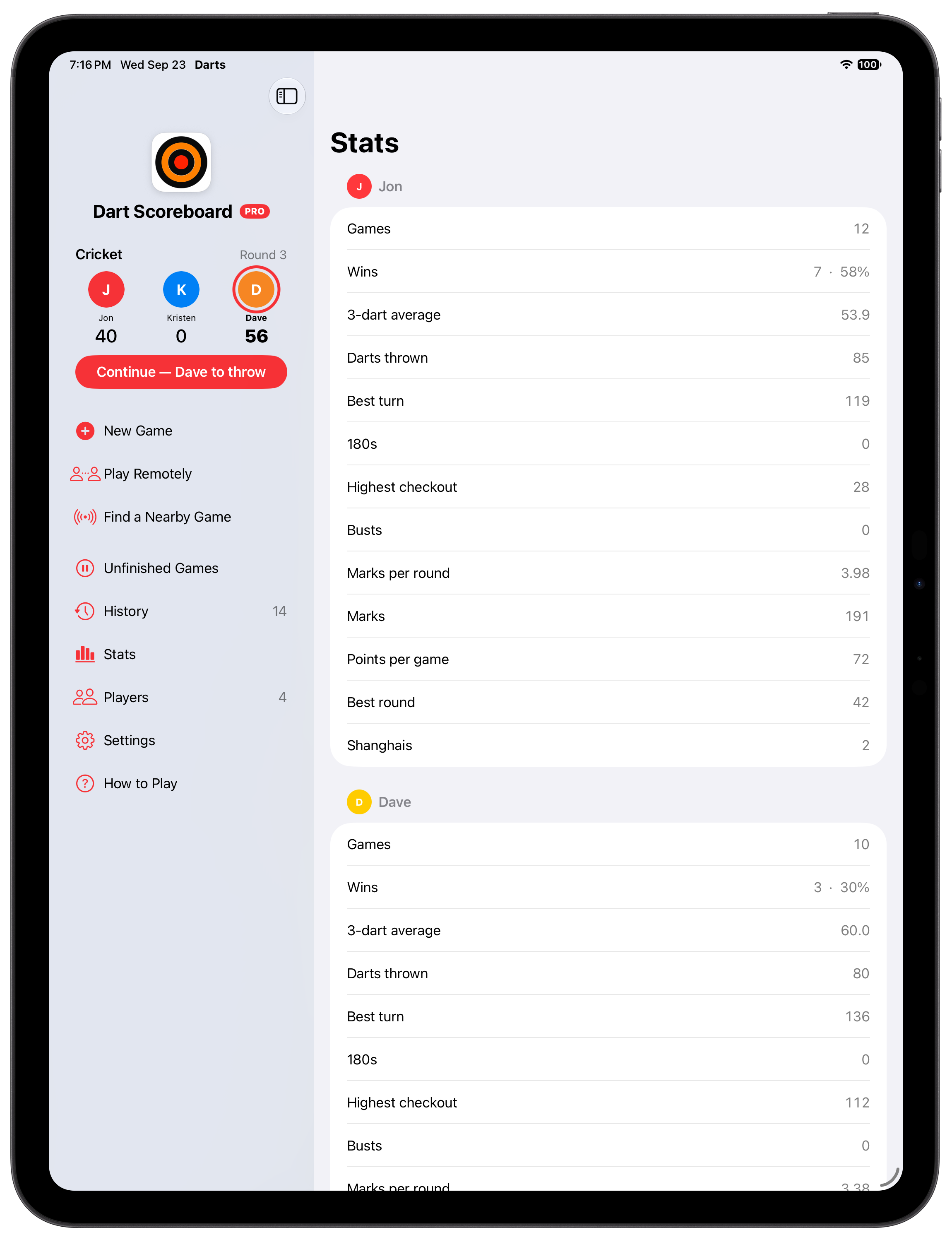
Averages, marks per round, checkouts and 180s across games, and every turn of every game, kept in your own iCloud.
Free, with Pro
The scoreboard is free, with one small card on Home suggesting another indie app. Pro removes it and adds remote play, the big screen, the computer opponent, stats and the Live Activity for $0.99 a month or $9.99 a year. No accounts, no tracking.
Dart Scoreboard on iPhone Duo
Folded, open or standing half folded on the table, the board fits the screen you're holding.
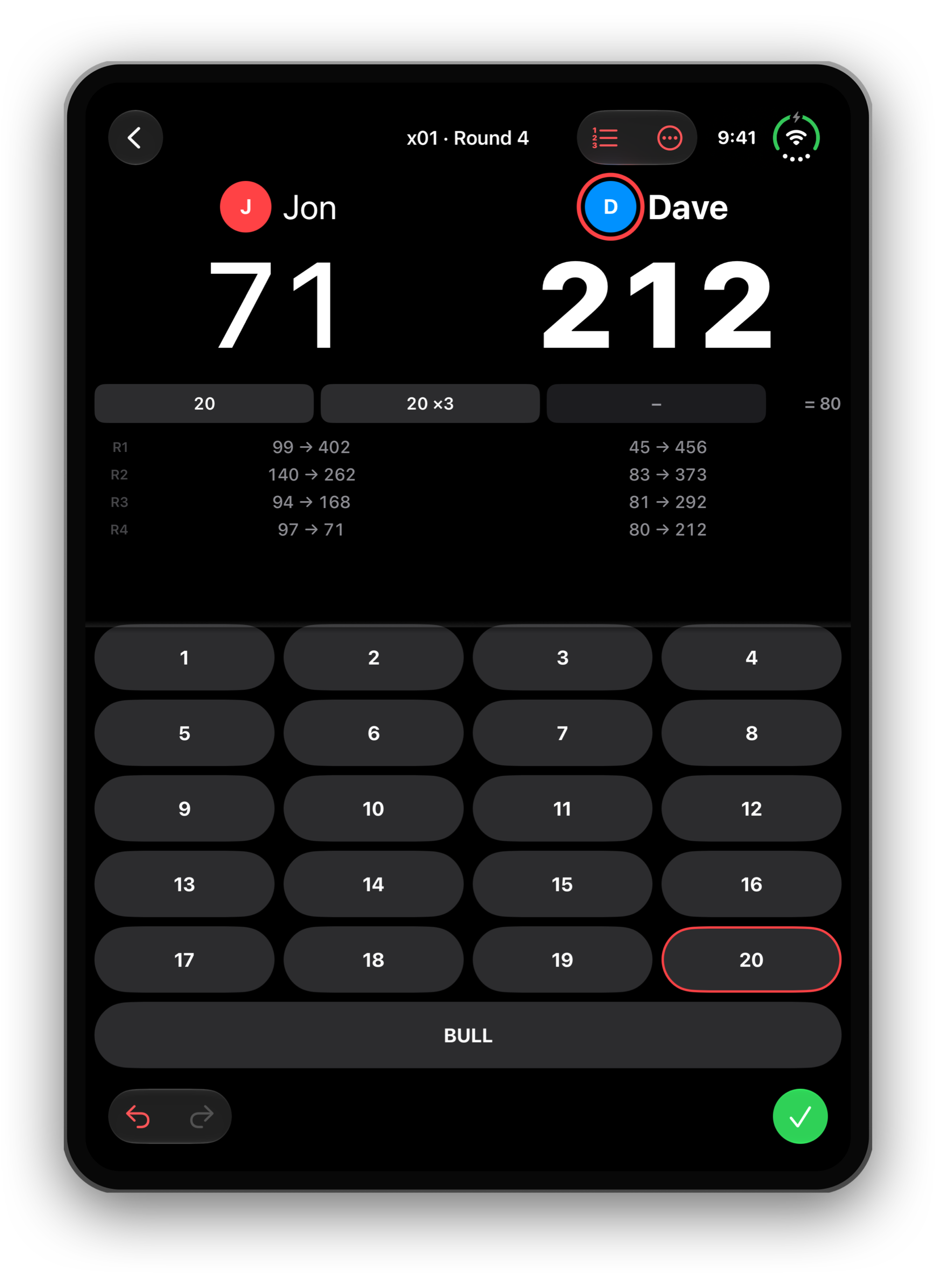
Folded, either way up
The board fills the outside screen. Turn it on its side and the scores move beside the board, with every number in reach.
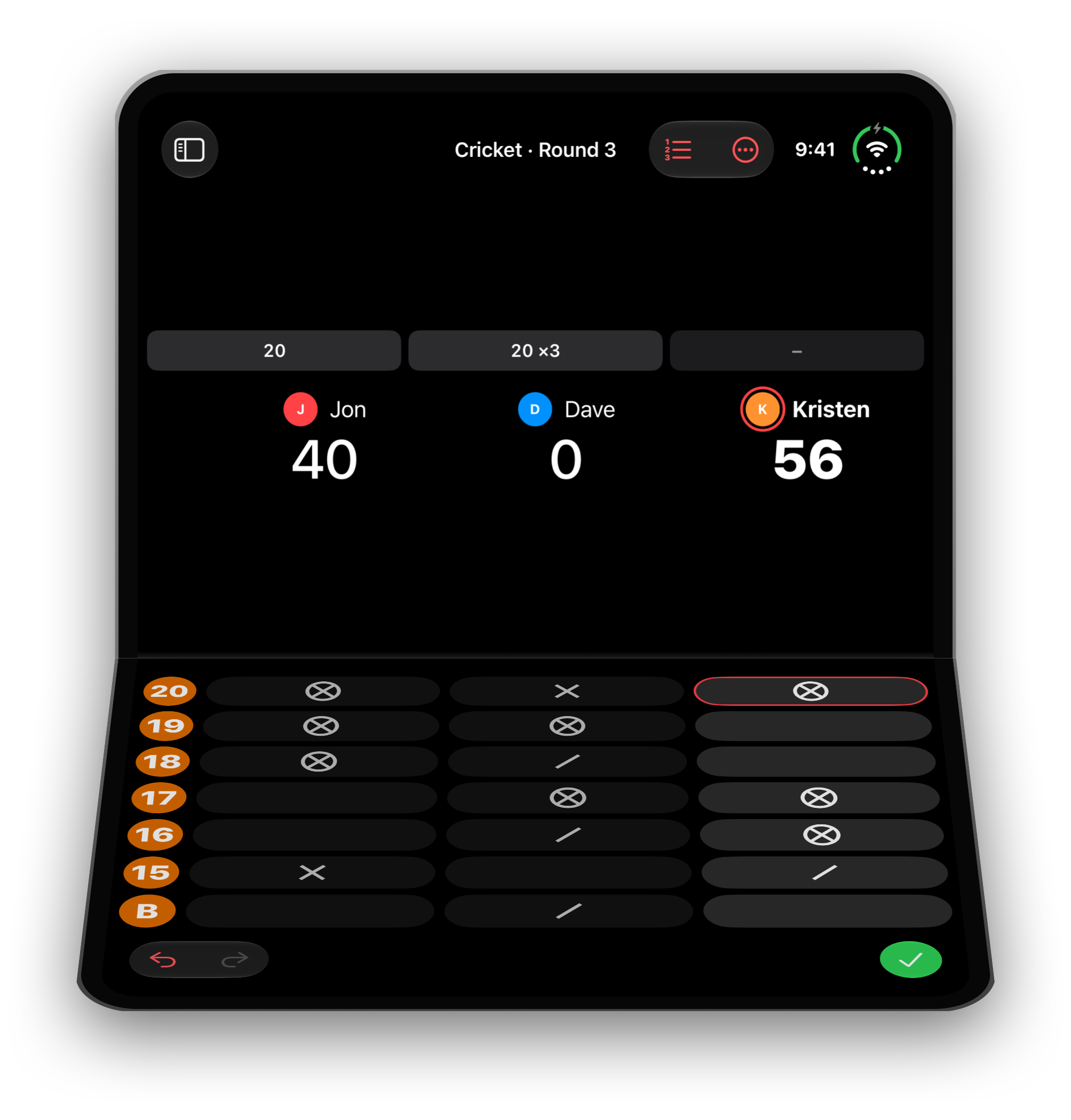
Half folded, on the table
Stand it up like a little scoreboard. The board splits at the fold: the scores face you on the top half, and the keys sit on the bottom half.
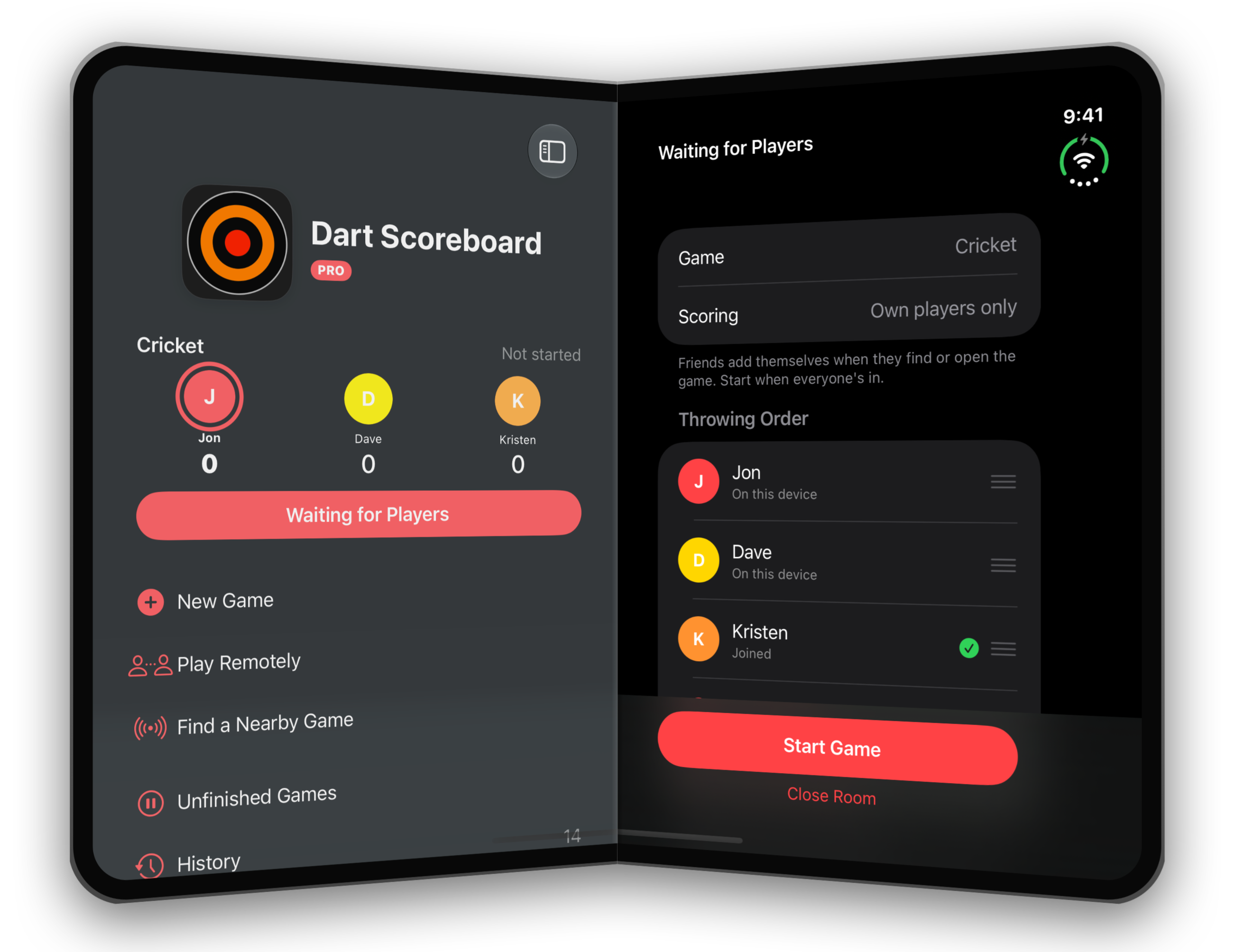
Open, the whole game
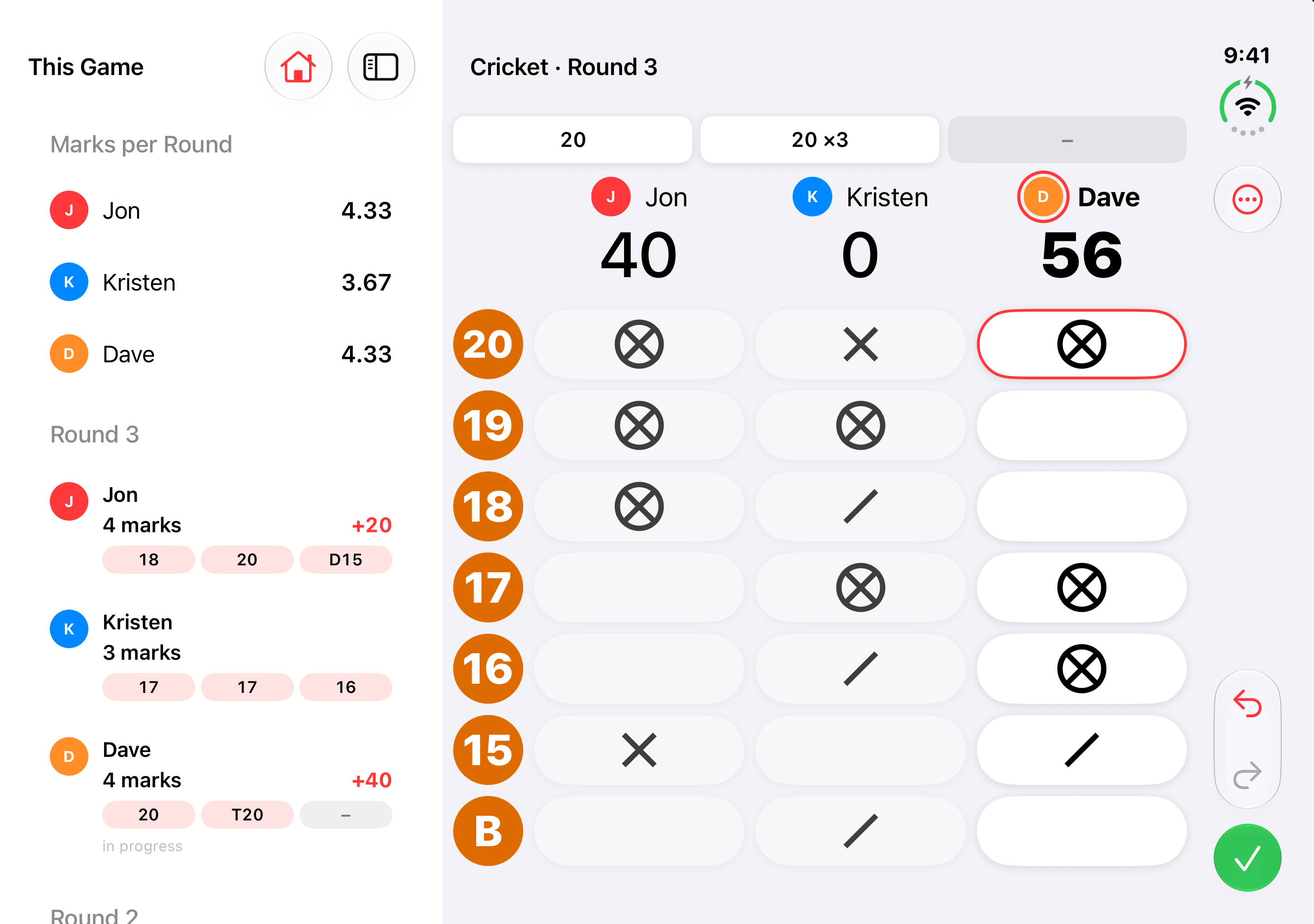
On its side, the board sits on one side, with this game's turns and each player's average on the other. Upright, Home comes first and the board fills the screen.
Fold it mid-game
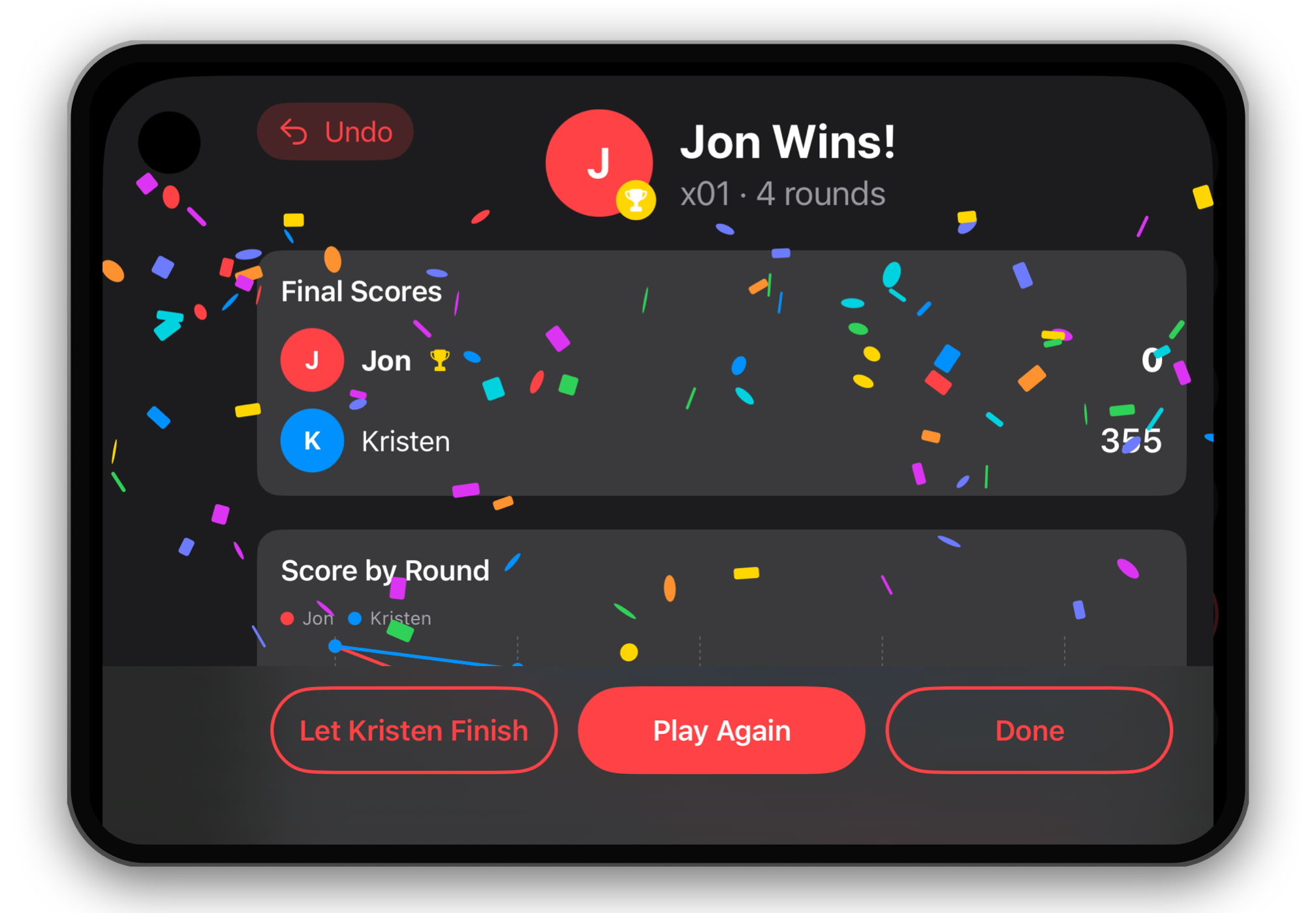
Open it, close it or stand it up between throws and the game carries on, with the number pads, sheets and win screen laid out for each screen.
Folded or open
Open, folded, or half folded and standing on the table, upright or on its side.
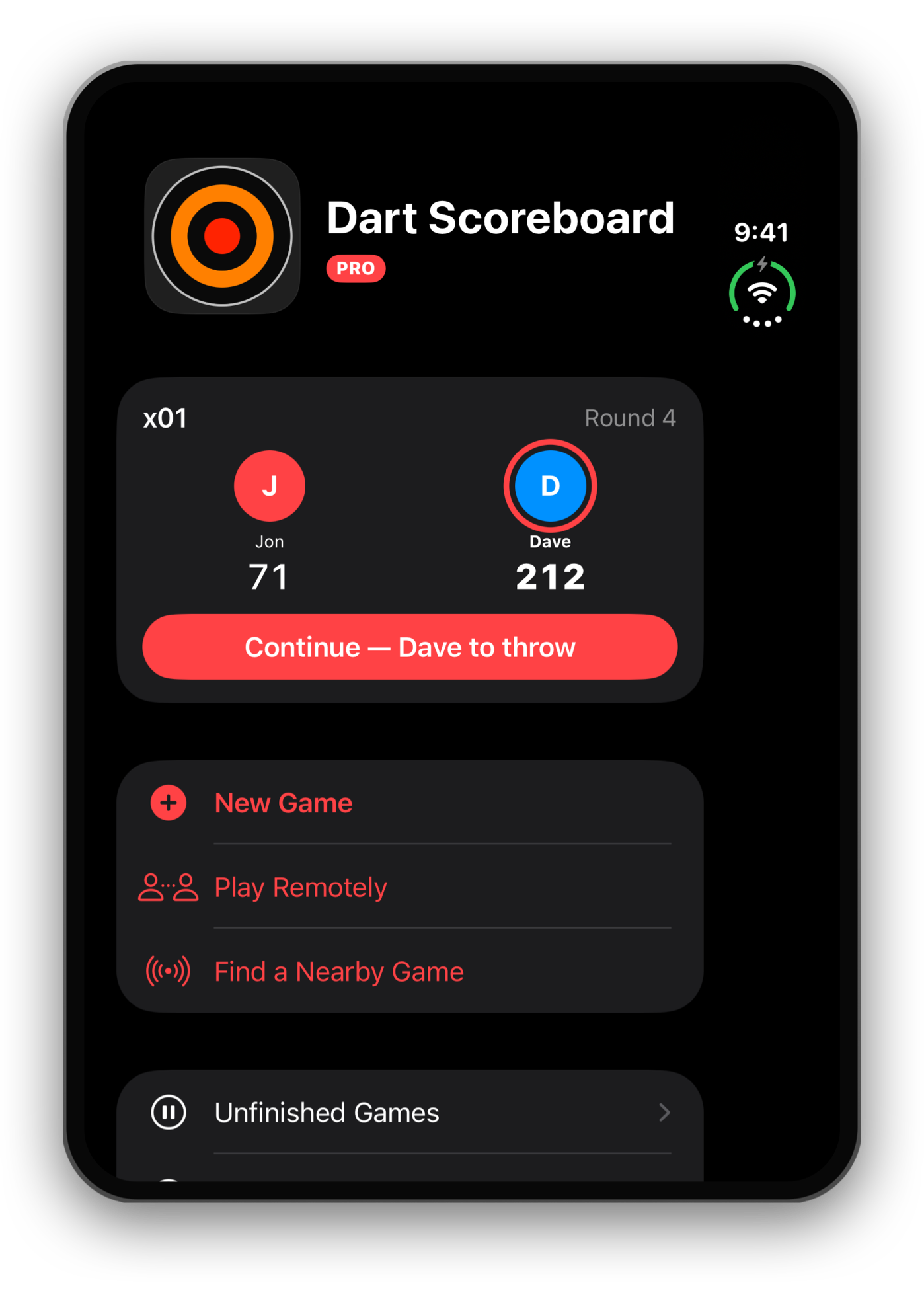
Dart Scoreboard on Apple TV
The Apple TV app turns the TV by the board into the scoreboard. It hosts the game, and everyone scores from their own iPhone, iPad or Apple Watch.
Host with a code
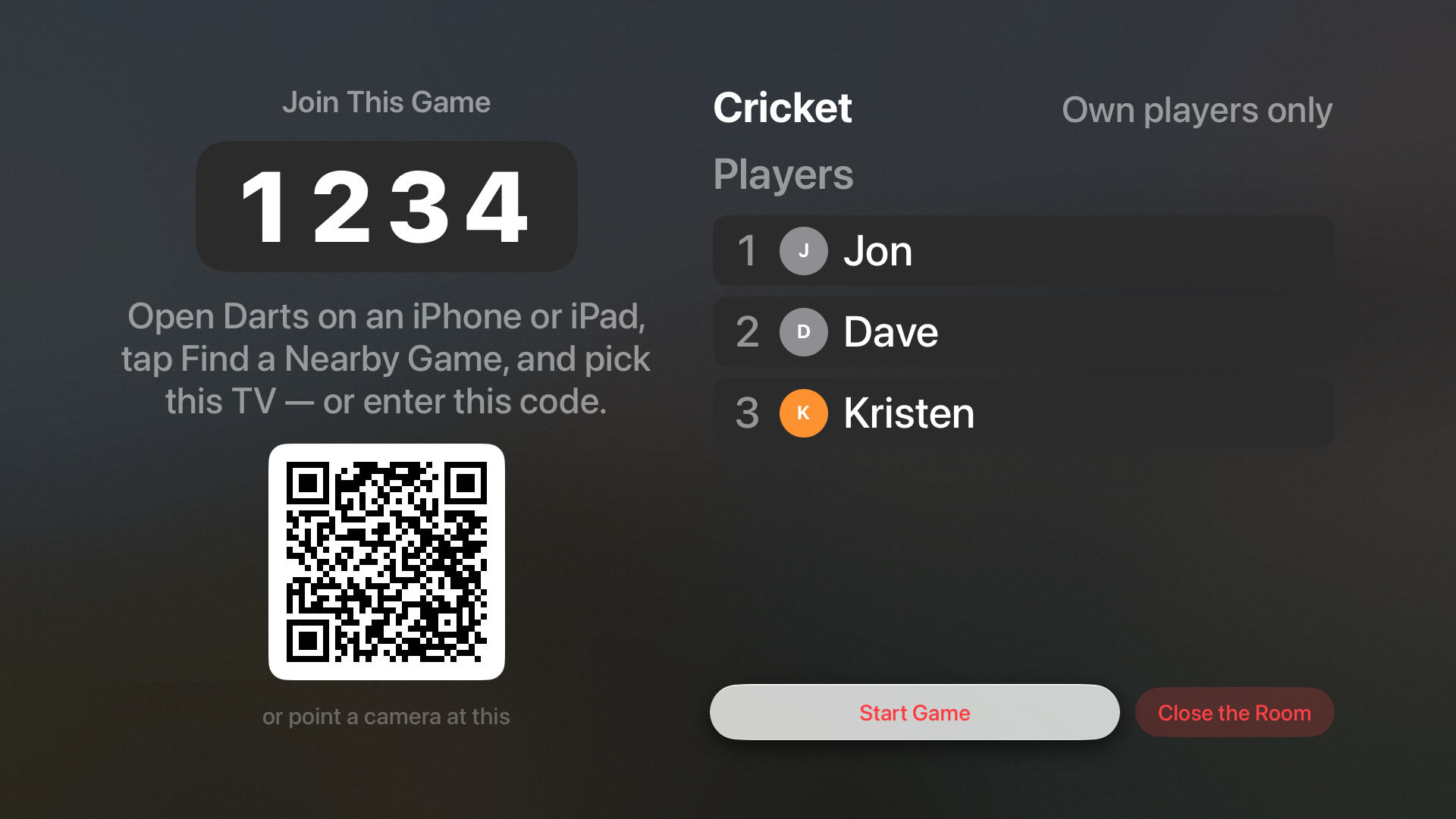
Pick the game and its rules on the TV and open the room. It shows a four-digit code and a QR code, and friends are in within seconds.
A board for the whole room
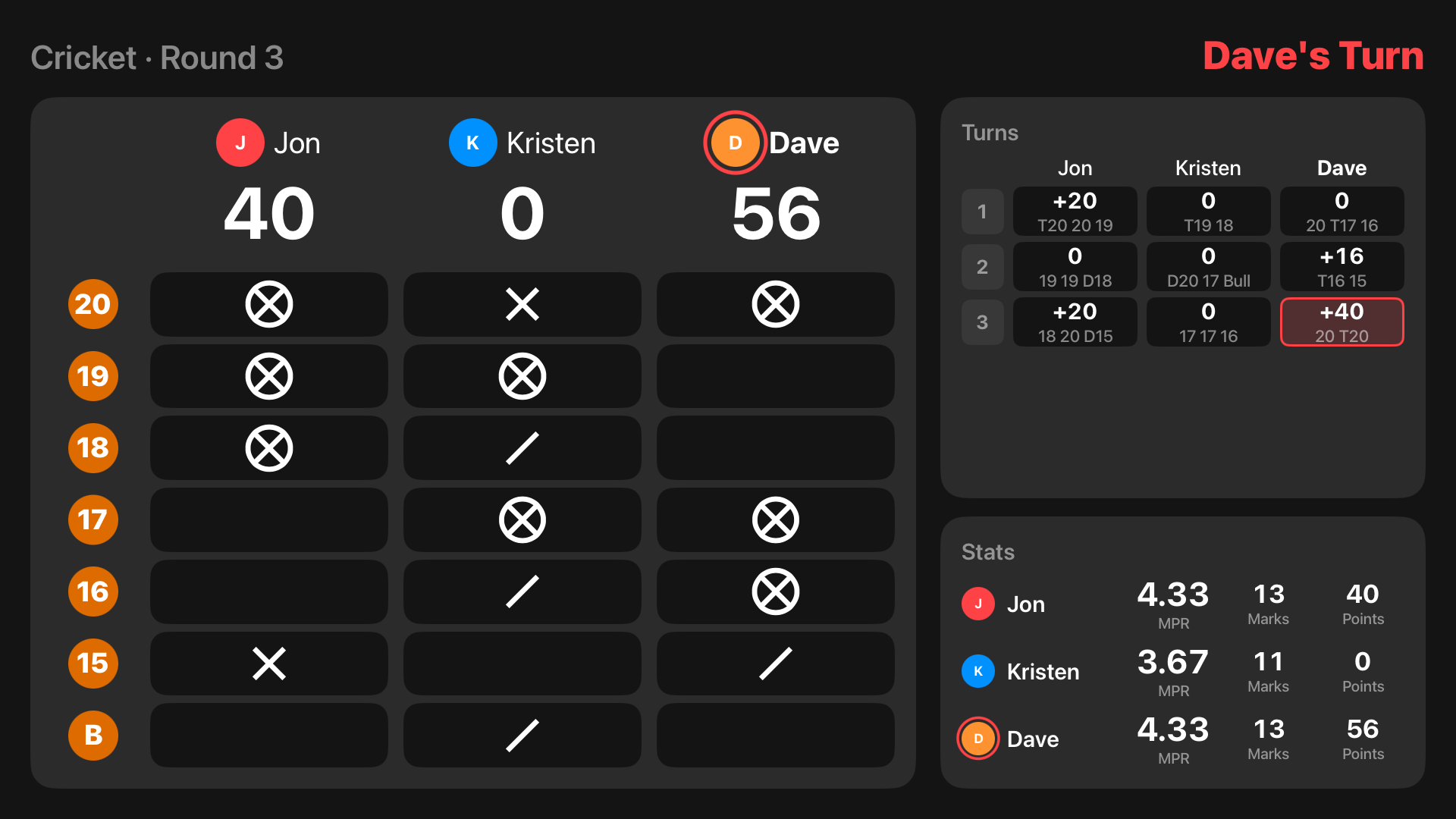
Scores, marks and whose throw it is, with recent turns and stats beside the board, all sized to read from the throw line.
It calls the game
Sound effects and an announcer that calls each turn and the scores, in the voice you choose.
Your rules
Cricket, Tactics, Wild Card, 301 up to 1001 and Shanghai, with your own target numbers. Let anyone score, or only each player's own phone.
The board on the big screen
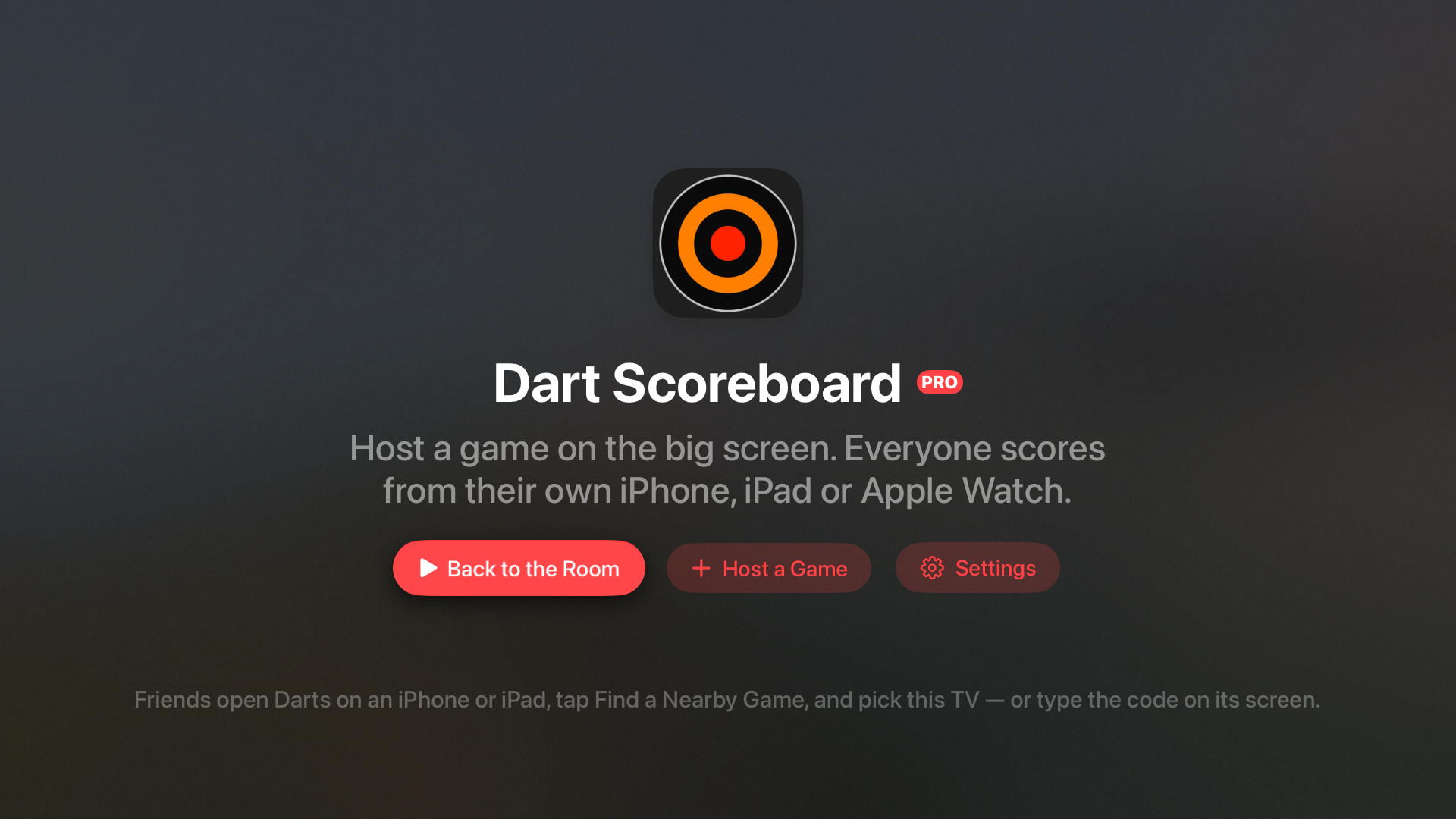
The scoreboard, the waiting room with its code, and the Home screen, on Apple TV.
Dart Scoreboard on Apple Watch
Leave the phone in your pocket, or at home. The watch keeps score on its own, from the throw line.
Score from your wrist
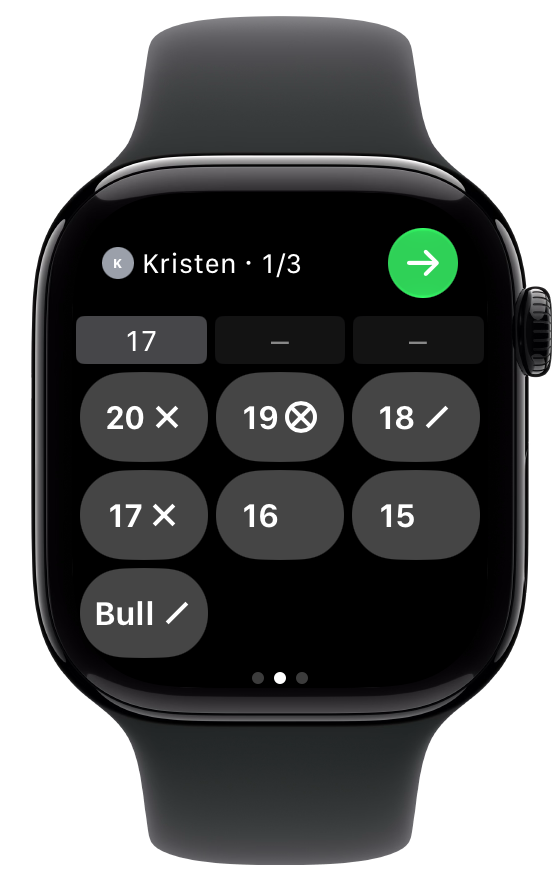
Tap a number for a single, hold for a double or triple, and tap a dart to fix it. Undo, redo and next player are one swipe away.
The whole board
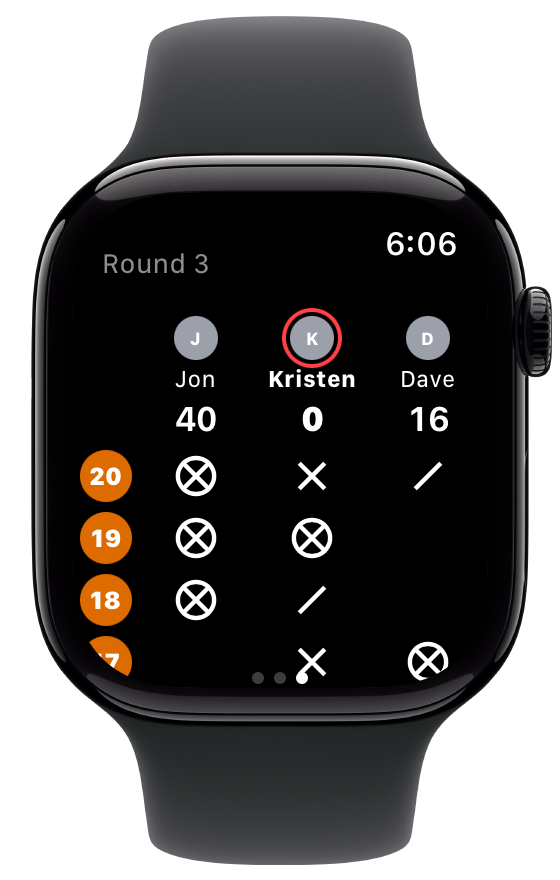
Swipe over for the scoreboard: marks, scores and every turn, just as on the phone. A tap on the wrist tells you when someone has won.
On its own
Start Cricket, Tactics, Wild Card, Shanghai, 301 or 501 without your iPhone. Choose your numbers, add a player by typing a name, or pick an unfinished game back up.
In step with your devices
Games you finish or save on the watch reach History on your iPhone and iPad through iCloud. Near an Apple TV, type its four-digit code and score your darts from your wrist.
The game on your wrist
The scoring keys, the scoreboard and the turn-total keypad, on Apple Watch.
What's new
Dart Scoreboard 5 is a complete rewrite of the app that has been keeping score since 2014.
v5.1.4
Oct 24, 2026
Stand your iPhone Duo up and it becomes a little scoreboard on the table.
v5.1.3
Oct 21, 2026
Play on for places, any x01 start, and a better voice for the announcer.
v5.1.2
Oct 18, 2026
A cleaner look, and games across devices that keep up with every dart.
v5.1.1
Oct 15, 2026
Suggest a Feature, and Shanghai that ends the way it should.
v5.1
Oct 10, 2026
Made for iPhone Duo, folded or open.
v5.0.2
Oct 2, 2026
No ads with Pro, and one small card for another indie app without it.
v5.0.1
Oct 2, 2026
The Apple Watch on its own, and Three in a Bed the way leagues play it.
v5.0
Oct 1, 2026
Rebuilt from the ground up, with new ways to play together. Now free, with an optional Pro subscription.
About the developer

Jon Hill
Developer
My name is Jon and I like to play darts. I built Dart Scoreboard Pro because I was frustrated with the buggy, overly complex dart apps in the App Store — I wanted something anyone could open and start playing immediately. More than a decade later, that’s still the whole idea.
Frequently asked questions
Cricket (standard, points and cut-throat), Wild Card Cricket with random numbers, Tactics with doubles, triples and three in a bed, 301 and 501 with optional double in and double out, and Shanghai. Cricket and Shanghai also let you pick your own numbers.
One person starts a game and friends join from their own iPhone or iPad: from the nearby list on the same Wi‑Fi, by scanning a QR code, or with an invitation. Everyone scores their own players, and the game keeps itself in sync through iCloud, in the same room or over several days.
It hosts a game on the big screen. The TV shows a four-digit code; everyone joins from a phone or watch and scores from their own device, and the TV shows the board, recent turns and stats. You can also AirPlay the board from your phone.
Score from your wrist during any game on your phone, start a game of your own, add players, pick an unfinished game back up, or join a game on a TV with its code.
Yes. Start a game on the watch and it keeps score on its own, with the players and numbers you choose there. When the game ends it is saved on the watch and, through iCloud, shows up in History on your iPhone and iPad. A game in progress is still there if the app closes.
Tap the dart to change or remove it, or use Undo. Redo puts it back.
Dart Scoreboard is free, with one small card on Home suggesting another independent developer's app. Dart Scoreboard Pro removes it and adds remote play, the Apple TV and big-screen board, the computer opponent, stats across games and the Live Activity, for $0.99 a month or $9.99 a year. If you bought the app when it was paid, Pro is included through the end of 2027, and after that the big-screen board stays yours for good and you'll never see ads.
Yes. Folded, the board fills the outside screen, upright or on its side. Open on its side, it sits beside every turn and each player's average; open upright, Home comes first and the board fills the screen. From version 5.1.4 you can stand it on the table half folded, with the scores above the fold and the keys below. Fold, unfold or stand it up mid-game and the game carries on.
For a bug, use Send Feedback in the app's Settings, or email dartscoreboardpro@gmail.com. For an idea, open Suggest a Feature in Settings: ask for what you'd like next and vote for other people's ideas, on iPhone, iPad and Apple TV. Jon reads everything.
Ready to throw?
Get Dart Scoreboard on the App Store, free, and be scoring in seconds. Pro adds remote play, the Apple TV board, the computer opponent and stats.